



Mantis - X8 Archery Shooting Performance System
Product.Nr.: 2131001
Manufacturer: Mantis
EUR 128,00
incl. 19 % VAT
-

- delivery time 2 - 10 Tage
The Mantis X8 Archery is the optimal training system for ambitious archers.
The Mantis X8 Archery also shows the archer the things that a trainer no longer sees
and gives clear clues as to how the shooting process can be further optimized and where your own weak points ;-) lie in the shooting process.
The Mantis X8 Archery training device
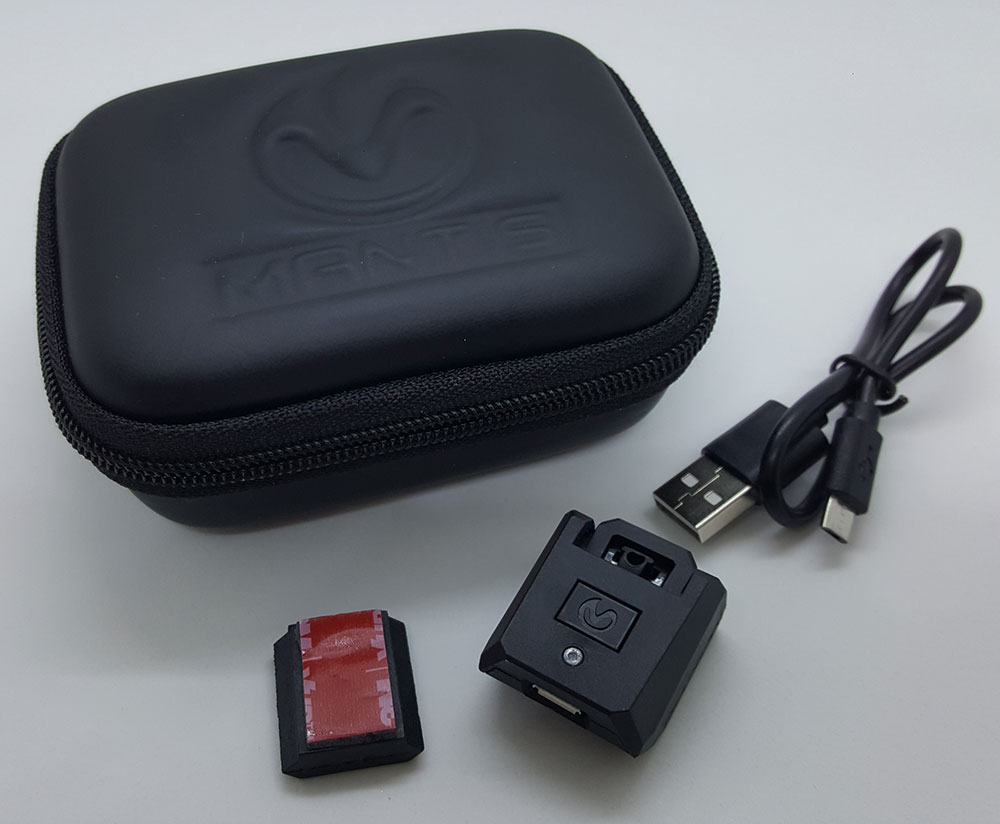
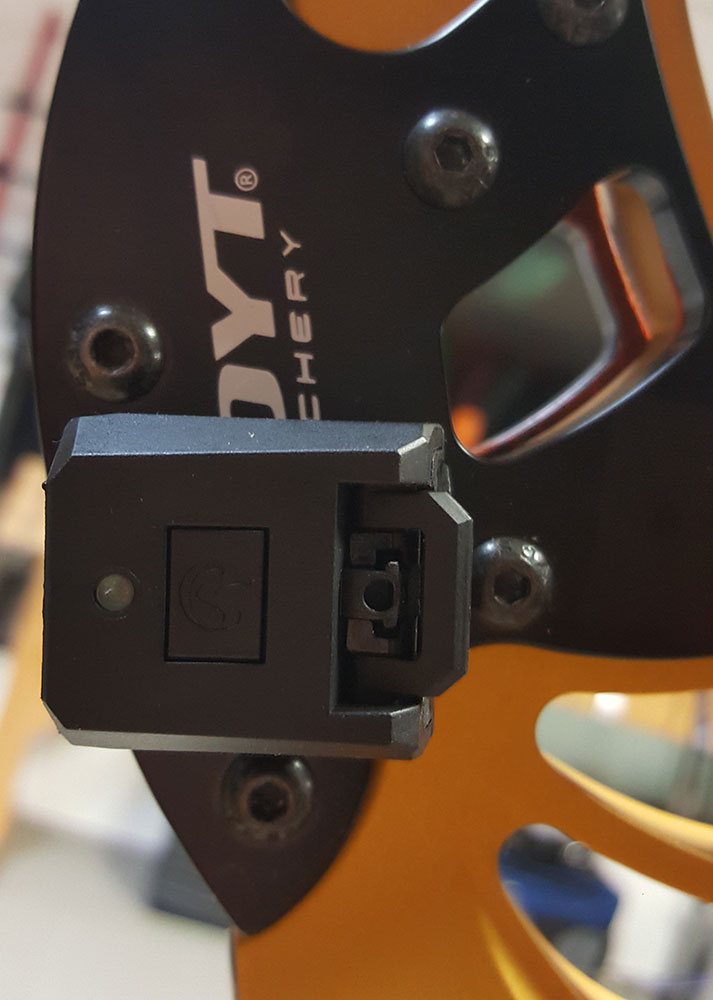
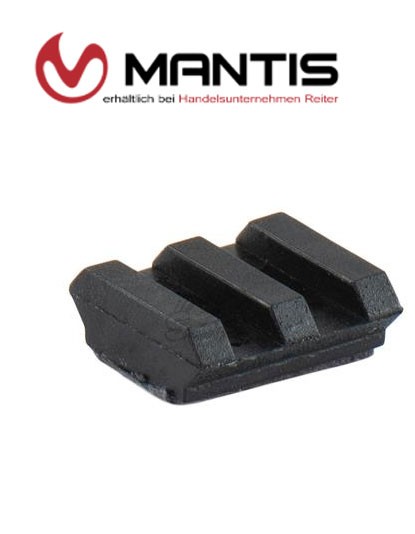
The Mantis The Mantis X8 Archery training device is mounted on the bow using the included holder (which is glued to the bow). The Mantis X8 Archery can simply be inserted into the holder on the bow before training and removed again after bow training.
Various gyrometers are built into the Mantis X8 Archery, which monitor all movements of the bow during the shot, and the Mantis Here the data can then be analyzed directly after each shot or after training with the free Mantis Archery app.
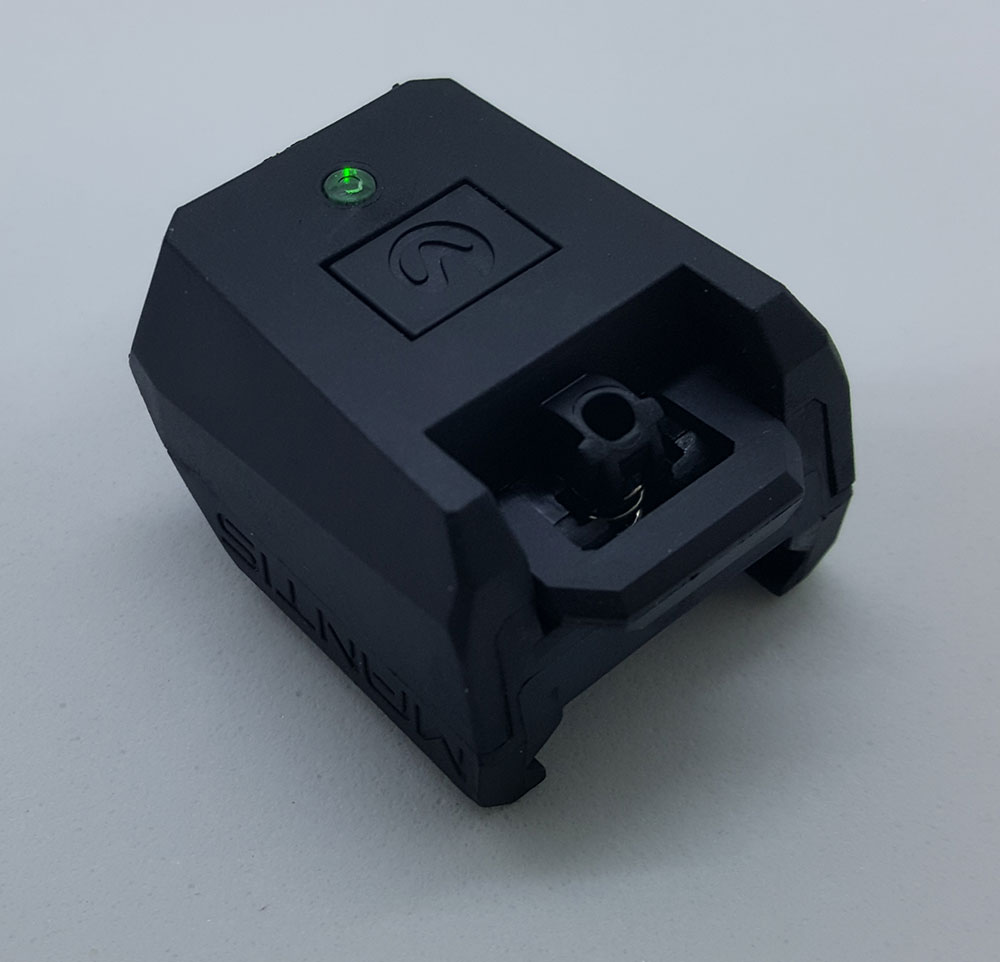
The Mantis X8 Archery is, as already described, extremely small and absolutely robust. The device only has one button to turn on, turn off and reset the device. The status of the Mantis X8 Archery is easily communicated via an LED. A lithium polymer battery is also integrated into the Mantis X8, which supplies the device with energy for around 12 hours.
The Mantis X8 Archery can then easily be recharged via the micro USB interface. Charging the battery takes approx. 2 hours.
Attaching the Mantis X8 Archery to the bow
The Mantis X8 Archery is suitable for all types of bows and can be easily attached to the bow using the holder glued to the bow.
The small holder of the Mantis X8 Archery remains on the bow after training.
The holder of the Mantix Assembly is absolutely easy. The holder's included adhesive pad ensures a very good hold and when converting to another bow you only need to use a new adhesive pad. Due to the low weight of the Mantis X8 Archery, standard double-sided adhesive tape may be sufficient.
Communication between the Mantis X8 Archery and the cell phone or tablet
First, the corresponding Mantis Archery app must be installed on the tablet or cell phone, which can be downloaded free of charge from the App Store for Apple or the Play Store for Ardroid devices.
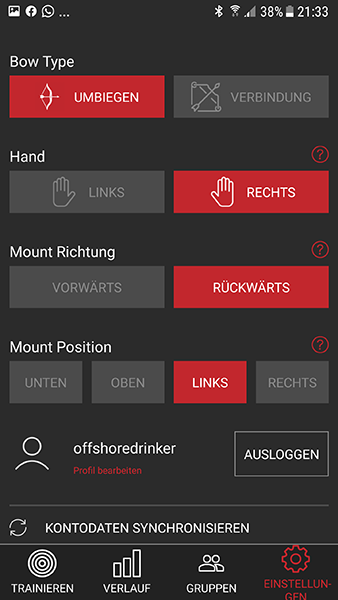
After installing the Mantis Archery app, you should now specify in the Archery app settings in which position you have mounted the Mantis X8 Archery on the bow.
Establishing the Bluetooth connection between the Mantis X8 Archery and the cell phone is absolutely self-explanatory.
First, turn on the Mantis X8 Archery using the button and then start the Mantis Archery app. All you have to do is click on “Connect” and the connection will be established. The Mantis X8 Archery also shows the status of the connection via its LED.
How does the Mantis X8 Archery measure
The Mantis X8 Archery measures the position and movement of the bow using its gyroscopes.
What is absolutely astonishing is the fine granularity and extremely high frequency with which the system measures the data and makes it available. As already described, the Mantis X8 Archery measures the movement of the bow but also the pitch, roll and yaw of the bow.
The app not only shows the movement of the bow but also the inclinations of the bow (if the bow is held straight.
How to use the Mantis X8 Archery in training
Before training, you mount the Mantis X8 Archery on the holder on the bow and switch the device on.
After starting the app, you just click on Connect in the app and the Mantis X8 connects to your cell phone or app.
The device is also briefly calibrated here, which is why the bow with the Mantis X8 should stand still.
Now you can take the bow in your hand and just start shooting. The system automatically recognizes the shot and transfers the data to the app, in which the shot is also displayed directly. If you take another shot, this shot will also be automatically displayed in the app. You don't have to press a button or anything because the Mantis X8 Archery automatically recognizes the next shot. So you simply shoot as you would normally do during training without having to worry about the device or the app. Even after a pass, arrows can be drawn and then simply continued to be shot without doing anything.
How does the Mantis Archery app work?
Settings within the Mantis X8 Archery app
First, how the Mantis X8 Archery was attached to the bow must be configured once in the settings of the Mantis Archery app.
Here you can also specify whether you are a left-handed or right-handed shooter and which bow you use.
Display of the shot history and shot phases
In this tab of the X8's Mantis Archery app you can view the shot history, the individual phases of the shot and the timing of the shot. By clicking on the play button, the shot can also be played back in real time as a video. Here it is possible to view all shots superimposed on one another to identify variances.
You have the option of displaying the entire shot or just the individual phases of the shot.
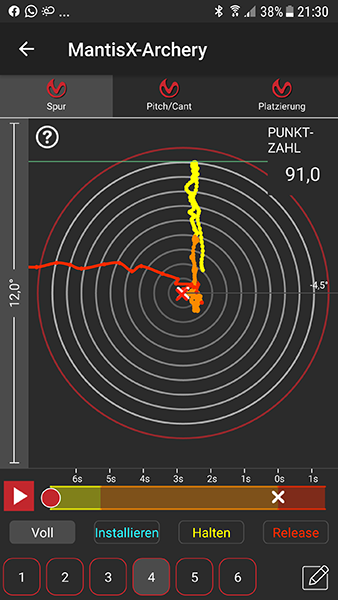
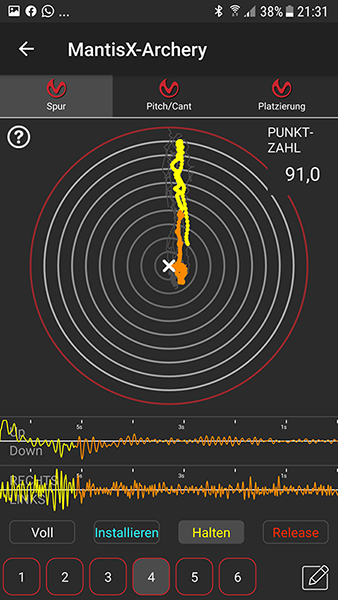
It is also possible to display the left-right movement as well as the up and down movement within the shooting phases.
Additionally, the Mantis X8 Archery app displays a score and evaluates the quality of the shot.
It is also possible to zoom in or out further so you can get a close look at the shot or shots.
The individual phases of the shot are shown here in different colors and the white phase of the shot between the two crosses even shows the movement of the bow between the release of the bow and the arrow leaving the bow.
Tilt of the bow during shots
In this tab of the Mantis X8 Archery app, the bow angles are displayed when the arrow is fired for each shot.
Here you can perfectly study whether the bow was always kept consistently straight or what deviations there were in the shots.
The longitudinal and transverse axes of the bow are forced during shots.

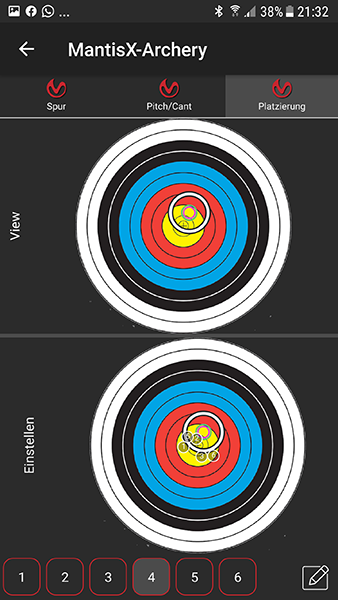
Placement of individual shots
In this area of the Mantis X8 Archery app you can manually enter the hit location for each shot and view it again later. Here you can easily determine which position the arrow hits the target if you have previously noticed certain errors in individual shots.
Saving the data or history in the Mantis X8 Archery app
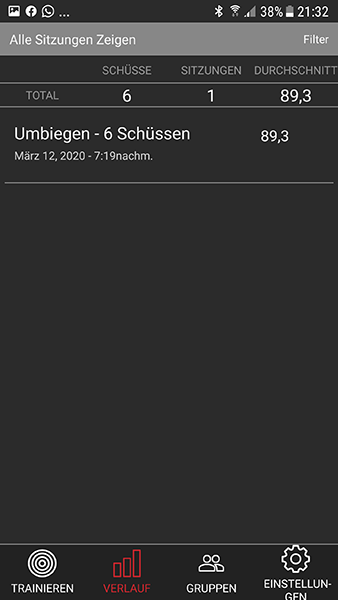
Of course, it is possible to save the individual training sessions so that you can access them again later.
Synchronization with a previously created Mantis user account is also possible here.
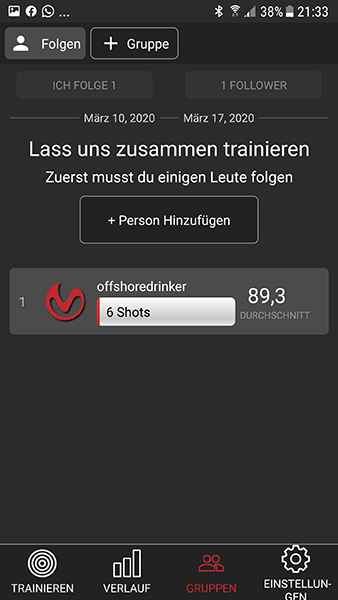
Let's train together (groups)
A fun feature of the Mantis X8 Archery app is that you can share the training results with shooting friends
Here you can see a ranking list of the shooting friends' results.
Conclusion
The Mantis X8 Archery is truly an excellent training tool and is unlike anything else on the market.
If you really want to train properly and improve, you can't ignore the Mantis X8 Archery; a real must have.
Data is displayed and opportunities are opened up that you could only have dreamed of before.
The quality of the hardware and the operation, including in conjunction with the app, are impressive and everything is very easy to use.
The app's analysis options are convincing and since the app and the Mantis X8 Archery itself are very new, you can already look forward to new features and evaluation options within the app.
The only downside is that the German translation of the app is still quite bad. We expect an improvement here in the future,
However, this doesn't really bother you because there isn't much to read and you get used to the operation very quickly.
We never had any problems with this but it was noticeable.
Delivery of the Mantis X8 Archery
- Mantis X8 Archery device
- Mantis X8 holder with adhesive pad
- First class and very safe storage box
- A Mantis sticker
- Cleaning cloth to use before attaching the holder to the bow and instructions for sticking the holder on
- Micro USB cable for charging the battery of the Mantis X8 Archery
- Free apps are available in the relevant app stores
Link to Android app: MantisX - Archery
Link to the Apple app: MantisX - Archery
Manufacturer identification
Manufacturer identification
Name: reproo equipment & training GmbHE-Mail adress: info-team@reproo.at
Streetaddress: Industriezeile 24
ZIP Code: 5280
City: Braunau am Inn
Country: AT
Phone: +4369916017985